Starvard University · Everyday AI
You do not need to build AI. You just need to learn how to use it. Thirteen short lessons on putting AI helpers like Muse and ChatGPT to work for you: emails, research, planning, scheduling. No tech skills required.

Professor Finn introduces the course. Twenty-seven seconds, zero tech skills required.
The whole course in 60 seconds
Three guys, three wins. Click one to see exactly how they did it.
This guy pointed an AI agent at his inbox and cleared 5,000 emails down to the few that matter. Here is how.
This guy put an AI agent on his daily marketing and saved an extra $1,500. Here is how.
This guy built a small team of AI agents that runs his whole life, email to errands. Here is how.
The 5 rules of everyday AI
The thirteen lessons
Lesson 1
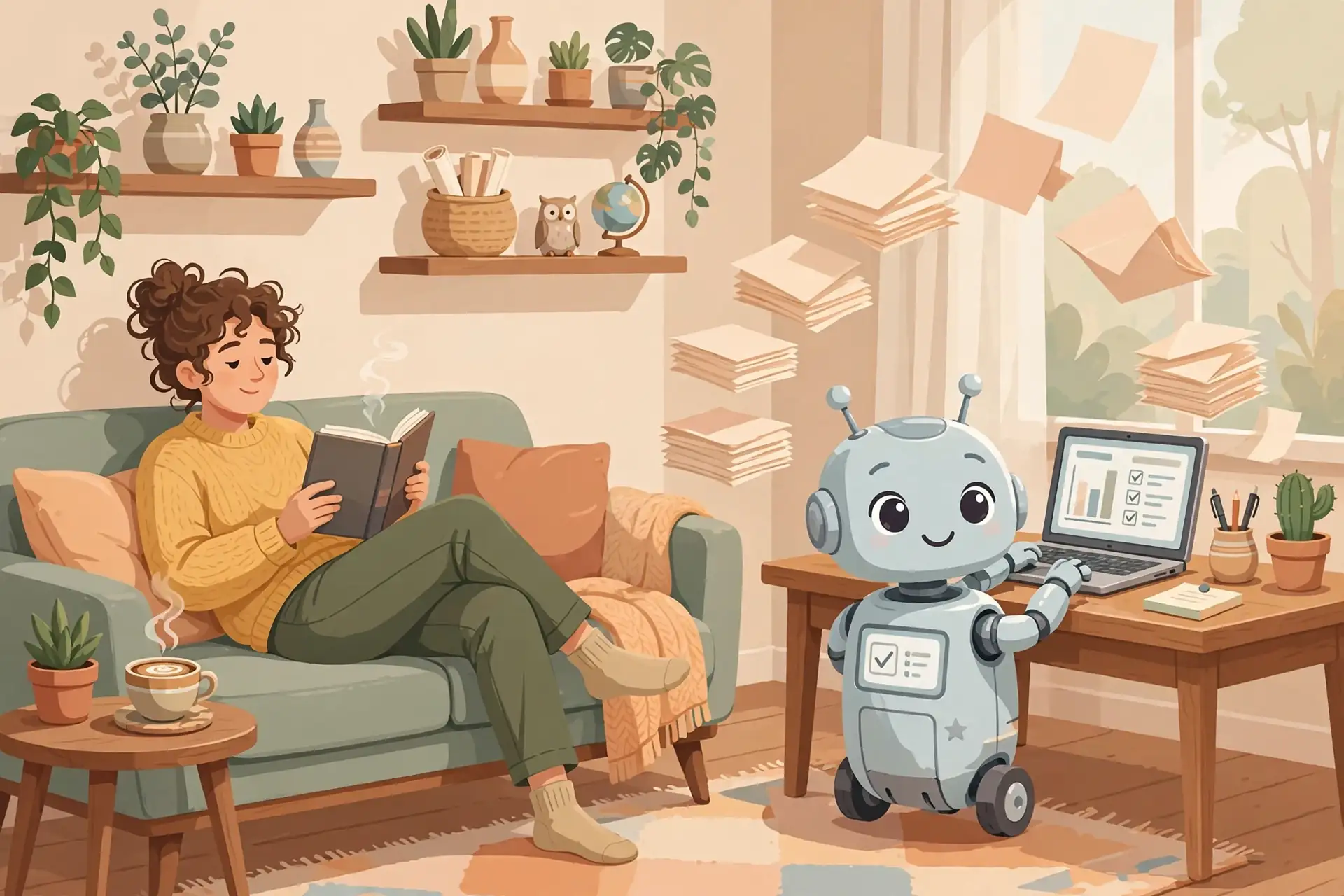
Forget the sci-fi. An AI agent is a helper that does tasks for you when you ask in plain English. You type "summarize this long email thread," and it does. You type "plan my week," and it does. That is the whole thing.
Think of it like a brilliant intern who never sleeps, never complains, and types 10,000 words a minute. It does not know your life yet, so you have to tell it things. But once you do, it remembers, and the second time is faster than the first.
Lesson 2
There are two big names, and you really only need to know these two. ChatGPT is the famous one, great for writing, brainstorming, and answering questions. Muse is the other, excellent at longer documents, careful thinking, and doing multi-step work for you.
You do not need both on day one. Pick one, learn it well, and it will handle 90 percent of what you throw at it. This course works with either.
Both are free to start. The paid versions cost about the same as two coffees a month and are worth it the first week you use them seriously.
Lesson 3
Do not start with "reorganize my life." Start with one annoying 5-minute task. The best first tasks: write a difficult email, summarize a long article, or turn messy notes into a clean list.
Here is exactly what to type: "Write a polite email to my landlord asking for the hallway light to be fixed. Keep it short and friendly." That is it. Read what comes back, tweak one thing, send it. You just got 15 minutes of your life back.
The first win matters because it rewires your brain: this thing actually works. Everything after gets easier.
Lesson 4
Talking to AI is a skill, and it is simpler than people make it. Three rules: be specific, give context, and say what good looks like.
Bad: "Write something about my business." Good: "Write a friendly 3-sentence description of my bakery for Instagram. We make sourdough, we are on Main Street, our thing is crusty loaves." See the difference? The second one gives it something to work with.
If the answer is off, do not start over. Just say "shorter" or "friendlier" or "try again with more detail." It is a conversation, not a vending machine.
Lesson 5
Dave runs a music label and a creative studio. A few years ago, his days were eaten by busywork: drafting emails, organizing content, chasing schedules, doing research, keeping a hundred little projects moving.
Now his AI handles the busywork. It drafts his outreach emails (he approves every one). It organizes his content calendar. It does his research and brings him options instead of homework. It watches his projects and tells him what needs attention. Dave does the creative calls and the human calls. The AI does nearly everything else.
He did not get there in a day. He handed off one task, then another, then another. That is the whole method, and it is yours too.
Lesson 6
Dave's story is one example. Here are three more, real people on camera showing exactly how AI agents run parts of their lives. Watch one, steal one idea.
Someone builds a working ChatGPT email agent live: inbox triage, drafted replies, and a 6am priority briefing. The rule: it never sends anything on its own. One hundred emails become five clear actions.
An honest, hype-free walkthrough of a personal agent system for everyday computer work. His framing is perfect: it is like managing a small team, not magic.
A one-person business owner shows the agent that hands him his entire marketing day on one screen every morning. It drafts, only he sends. Six minutes, the whole idea.
Lesson 7
Here is where the hours hide: your inbox, your calendar, and research rabbit holes. All three are perfect AI tasks.
Inbox: paste a long email thread and ask for the 3-sentence version plus what you need to do. Draft replies in your voice. Sort the newsletter pile into "read" and "skip."
Calendar: "Here are my meetings this week and my to-do list. Plan my days." It will. Then ask it to find the gaps and protect them.
Research: "Compare these three options and give me the pros and cons in plain English." Hours of tabs, one paragraph.

Lesson 8
Here is the part that feels like magic: AI can work when you are not there. Set it up once, and it runs on its own.
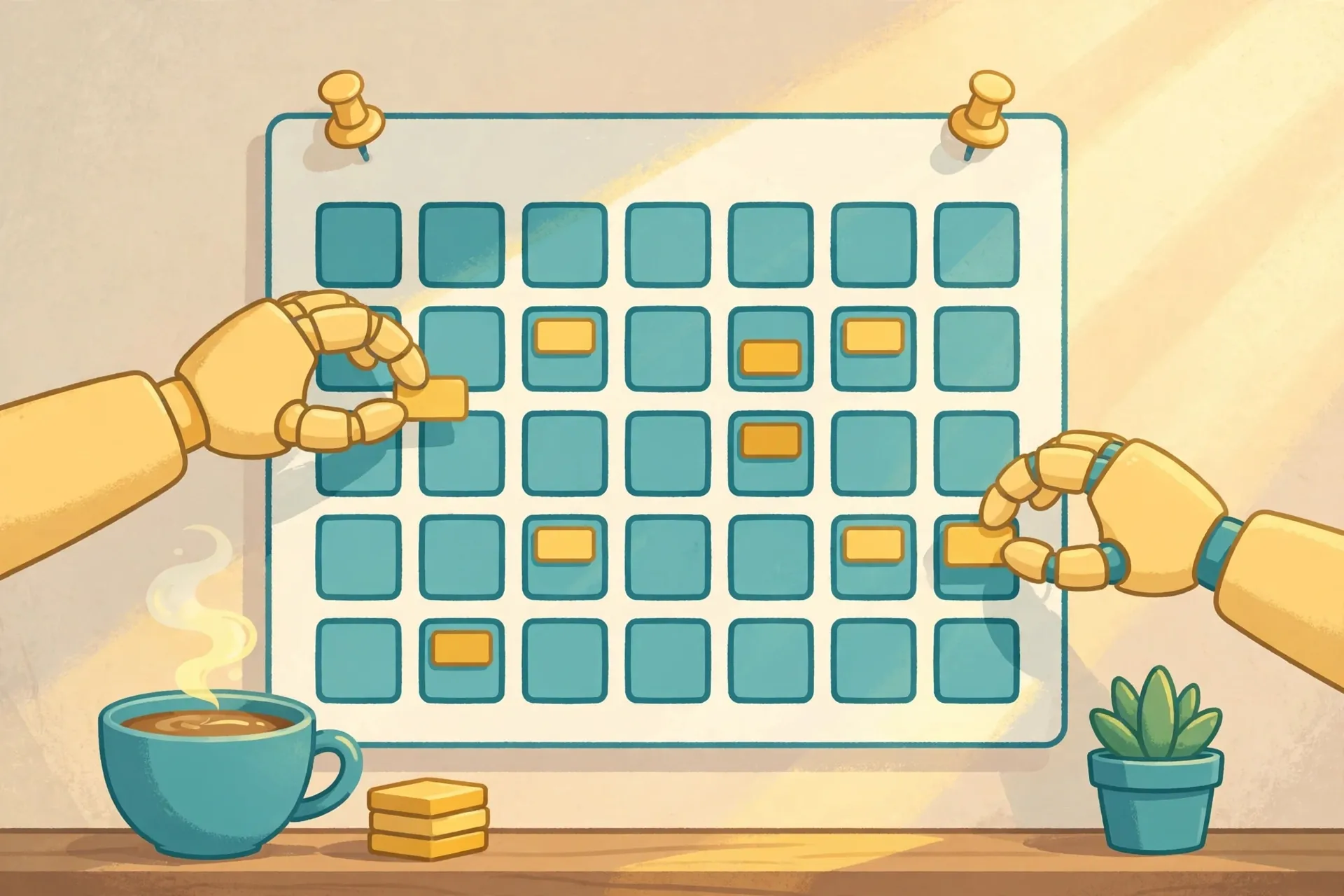
Examples: every morning, a briefing of your day waiting when you wake up. Every week, a summary of what happened in your projects. A regular sweep of something you track, prices, news, dates, with only the important bits surfaced.
You set the schedule once. It does the rest. This is the closest thing to hiring an assistant for the price of coffee.
Lesson 9
Your starter list. Pick three and do them this week:
Lesson 10
AI is a brilliant intern, not a replacement for you. Some things stay yours, always.
Lesson 11
The healthiest way to think about AI: you are the boss, it is the intern. A very fast, very eager intern who occasionally gets things wrong.
Bosses do three things: give clear instructions (Lesson 4), check the work (Lesson 9), and give feedback ("shorter," "friendlier," "not like that"). Do those three and the intern becomes invaluable.
Never be embarrassed to correct it. "That is wrong, here is why" is the most productive sentence in AI. It learns from you.
Lesson 12
Once you are comfortable chatting, the next level is connection: letting your AI work with your email, your calendar, your files. This is where it stops being a chatbot and starts being an assistant.
With your email connected, it can find things, draft replies, and summarize threads without you copy-pasting. With your calendar, it can schedule, reschedule, and plan around your life. With your files, it can read, organize, and summarize.
One caution: connect one thing at a time, and only what you actually use. And remember Lesson 9: it drafts, you decide.
Lesson 13
Your first week, day by day:
Graduation
You now know what an AI agent is, how to talk to one, what to hand off, and what to keep. The rest is just practice: one task this week, one more the next.
Keep learning
This course is part of Starvard University, striving for greatness.
Explore Starvard · All free courses · AI Agents: Your First $10,000
A note on accuracy: Much of what you read at Starvard was created with help from AI agents, working alongside people. We check what we can, but we cannot guarantee that everything here is true, current, or complete. If something really matters, your health, your money, a grade, a job, please verify it with a trusted source before you rely on it.